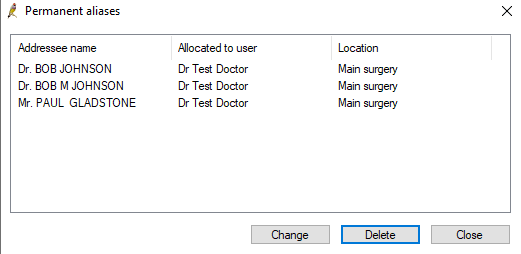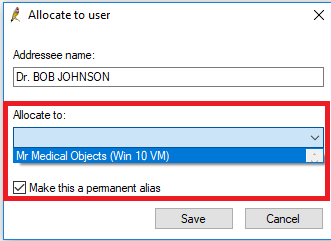
This guide instructs how to allow results to import directly into a doctors inbox, rather than the holding file, in Best Practice.
If you have any questions or require any further assistance, Please contact the Medical-Objects Helpdesk on (07) 5456 6000.
This example will be completed using a BP User "Mr Medical Objects".
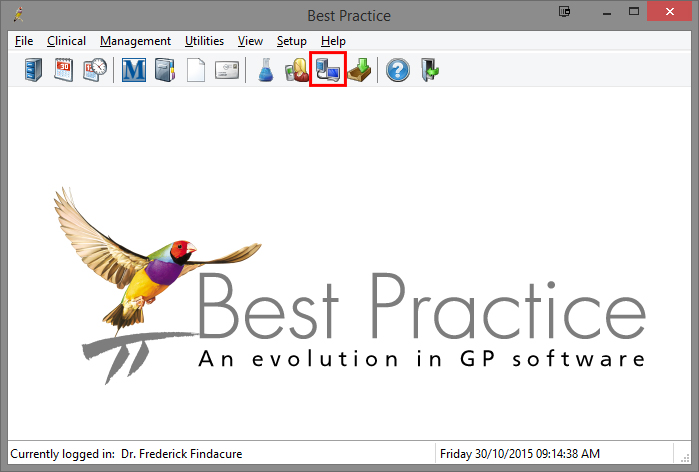
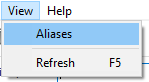
2. Select View > Aliases
3. This will then show a list of active aliases for your practice. From here you can change or delete these.